The first 30 days
Try every feature with your own home, including CarPlay, climate controls and widgets.
- iPad dashboard and iPhone controls
- Your own favourites in CarPlay and widgets
- Cameras, climate and home alerts
 For your existing HomeKit home
Dashboard and controls
A home control panel for your household.
Lights still on? A window open? Give your iPad a fixed place for home status and everyday scenes. Choose what appears, so your household does not have to search through every device.
The iPad dashboard
Give your iPad a place on a table or wall. Add frequently used scenes and devices as favourites, alongside weather and home status. You choose the setup; your household finds the selected controls on the dashboard.
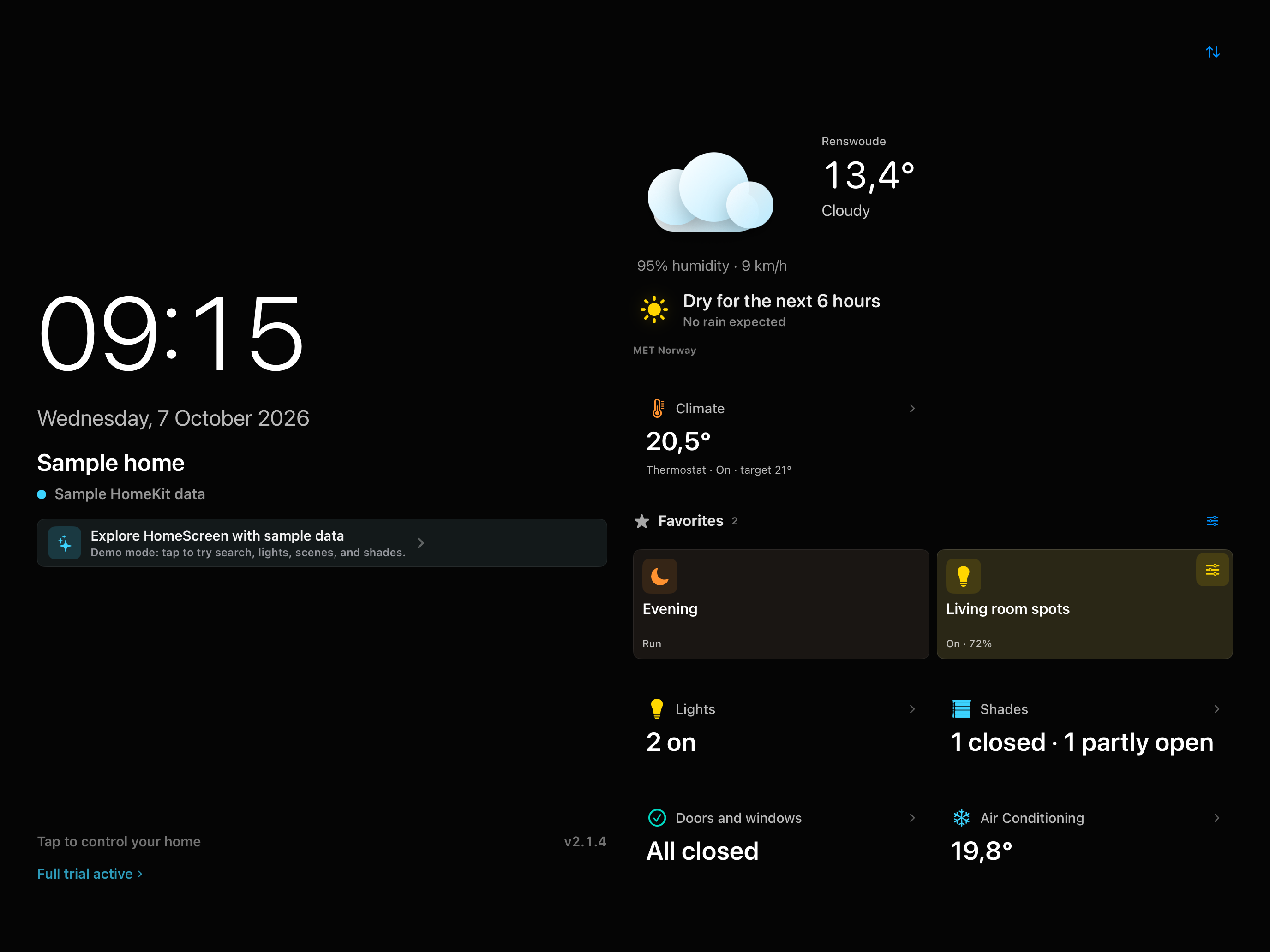
See and control
Use Favourites, Recent and search instead of navigating every room and accessory.
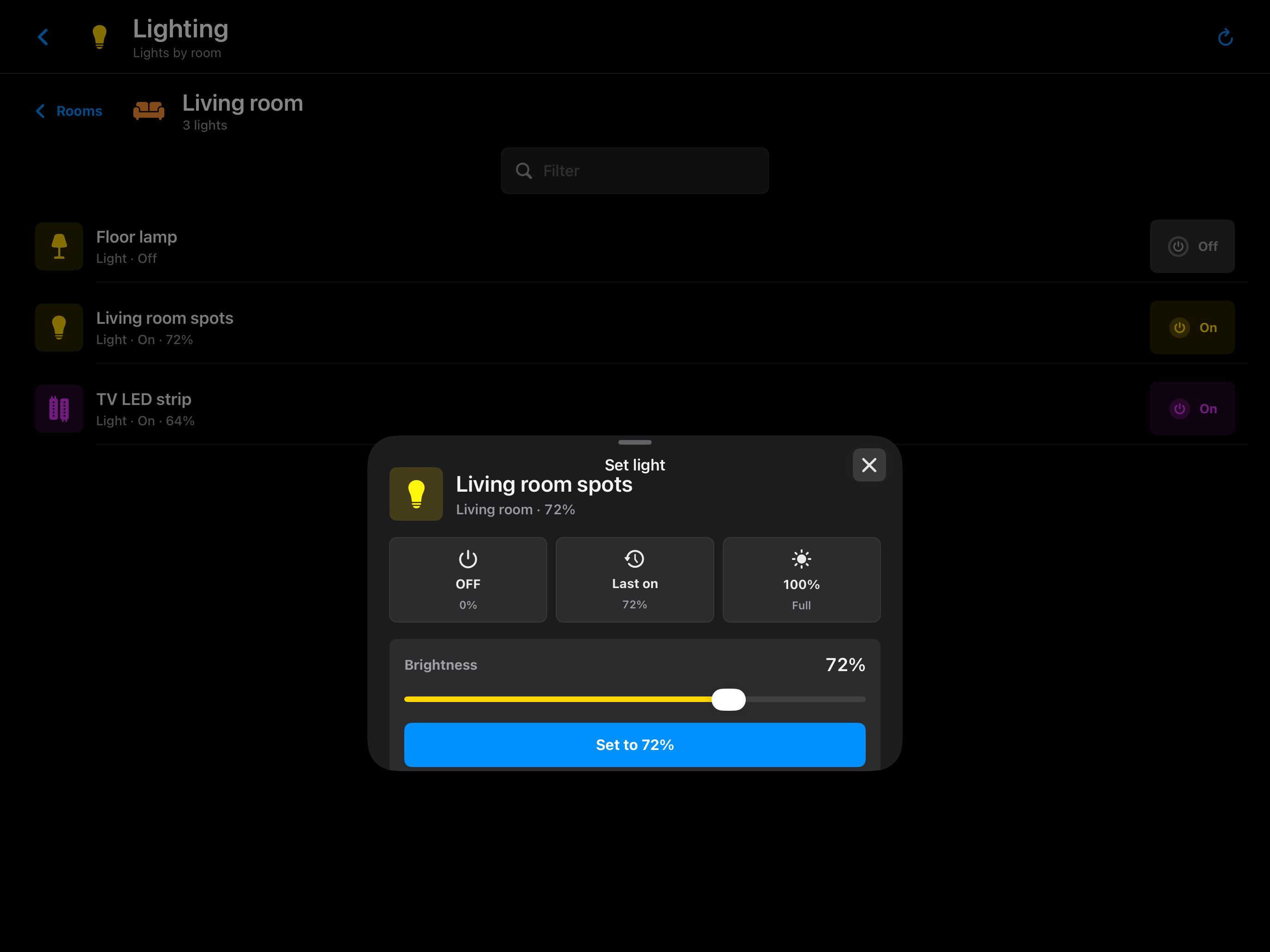
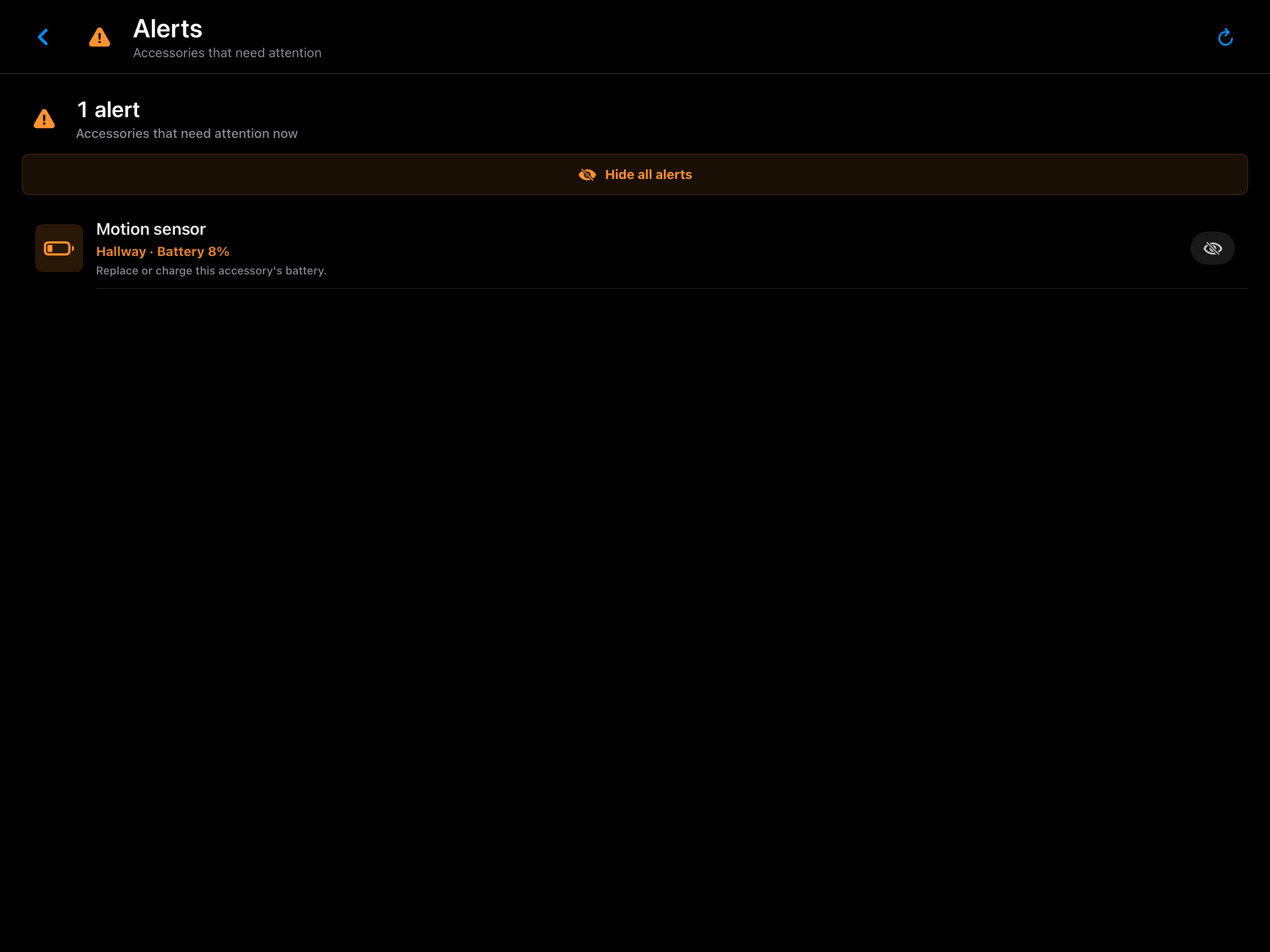
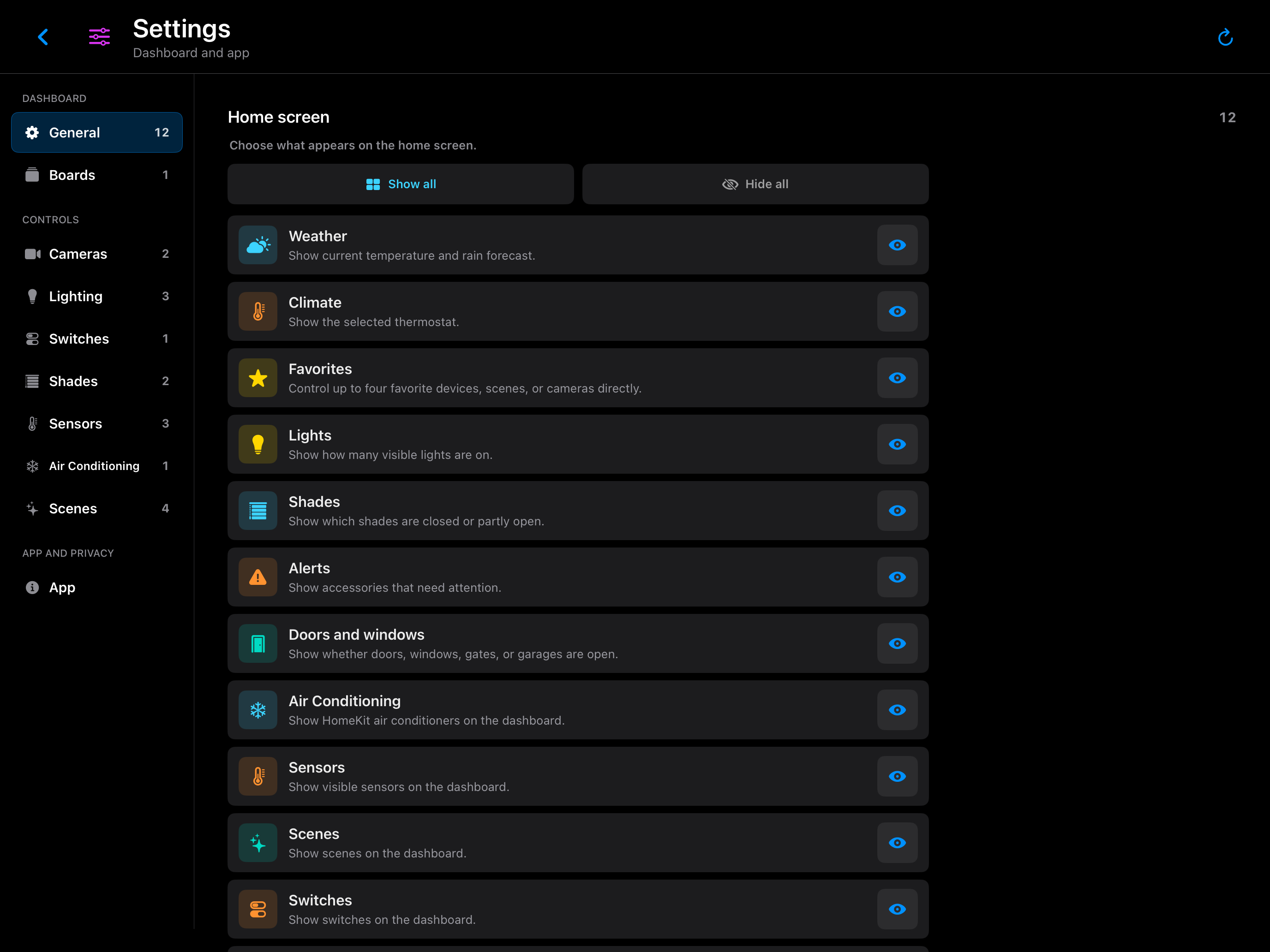
On your iPhone
Check your home, run a scene or adjust a light. Portrait mode keeps the controls within reach.
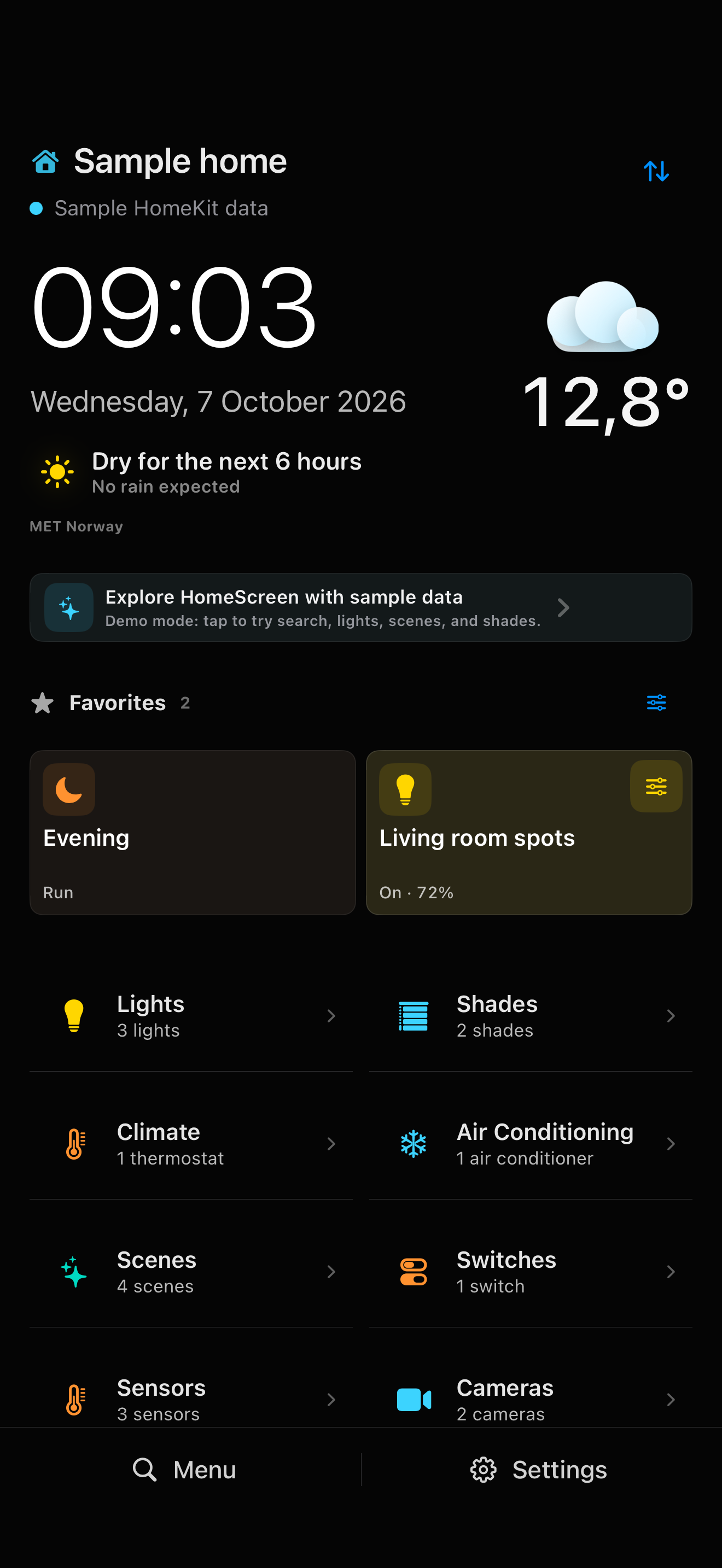
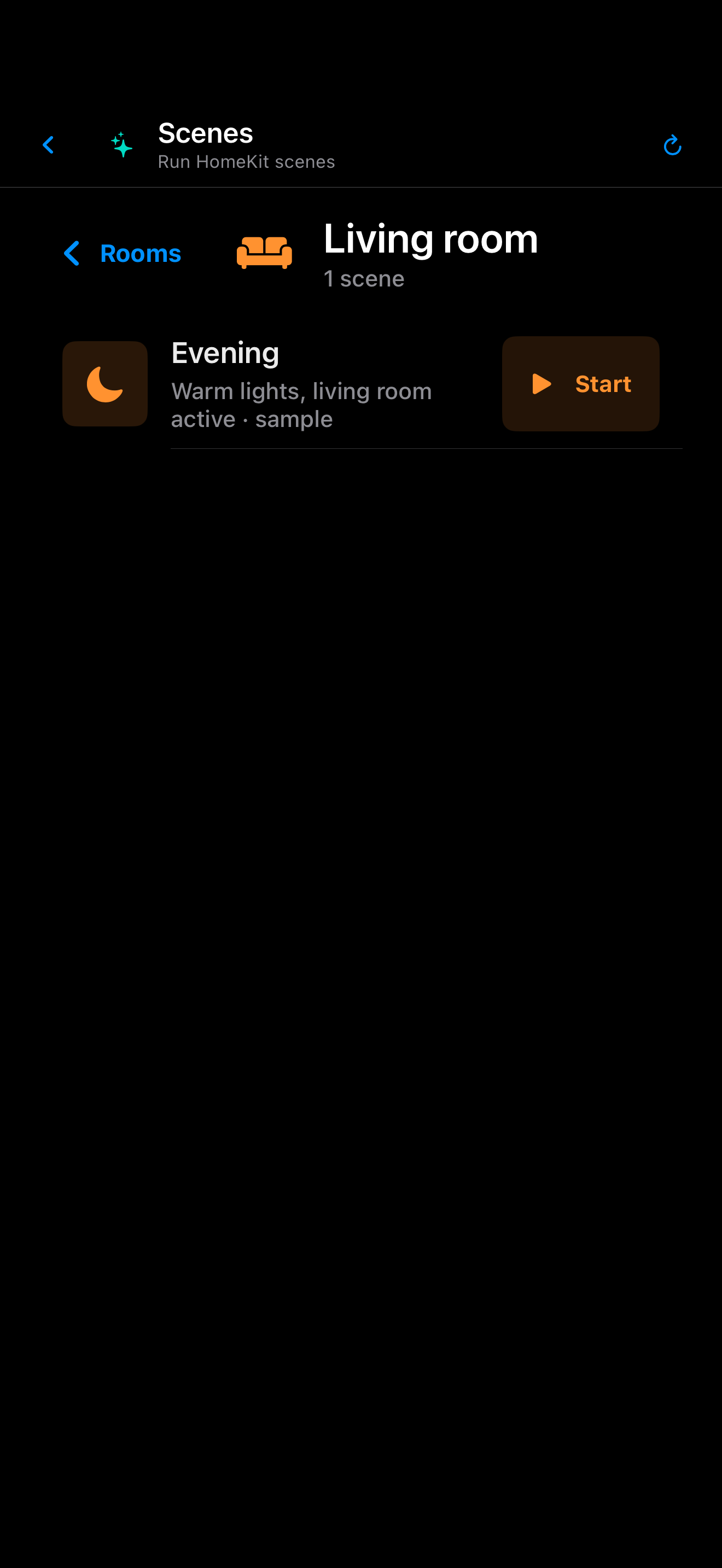
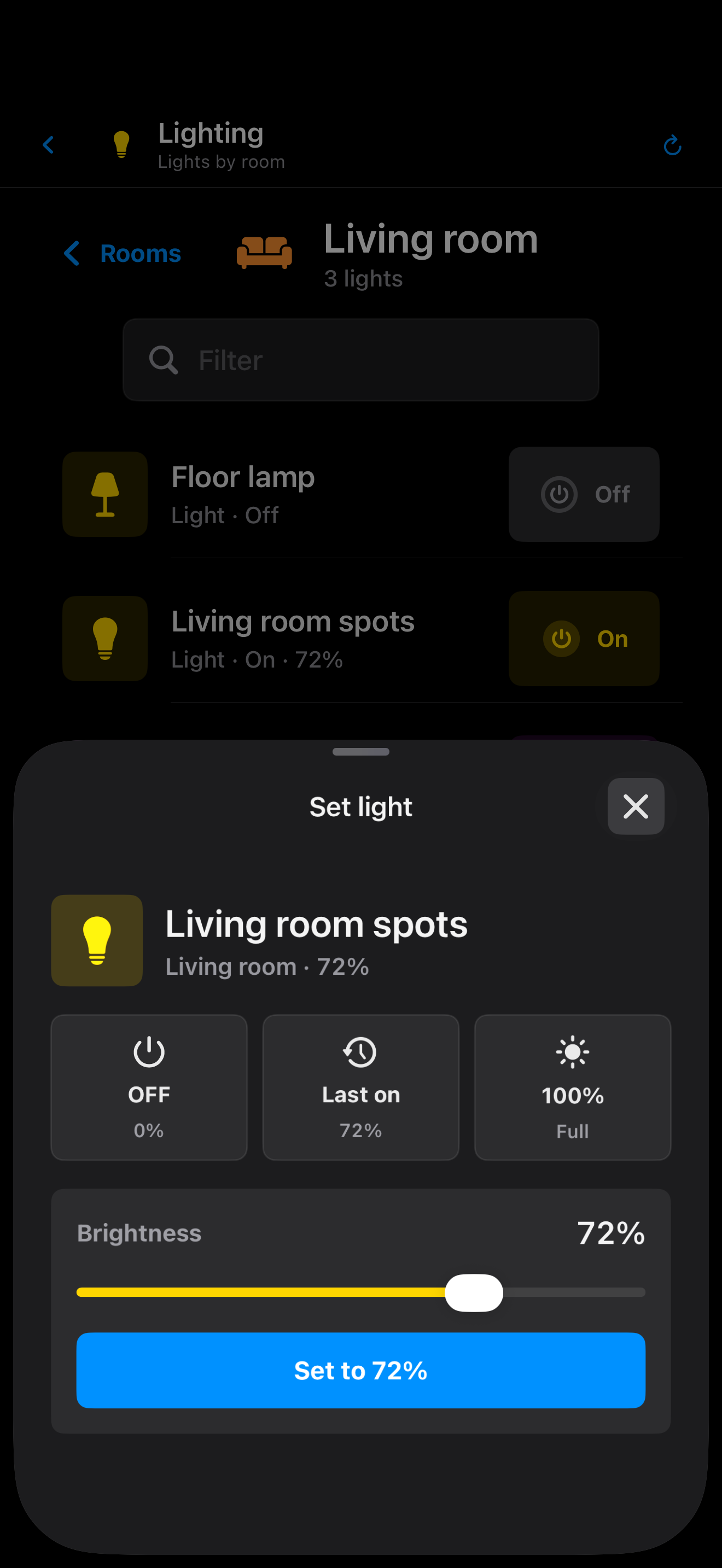
Controls within reach
On your dashboard, in a widget or in the car: choose what you want within reach.
Try it at home first
No subscription and no stripped-down demo. See whether HomeScreen fits your home and display.
Try every feature with your own home, including CarPlay, climate controls and widgets.
Afterwards
You decide whether to buy HomeScreen. No automatic charge when the trial ends and no monthly cost.
Your home is private
HomeScreen has no separate account, advertising or tracking. Home data is not sent to a de Bruin Studio server.
HomeKit homes and accessories remain in Apple HomeKit.
HomeScreen does not record video or upload livestreams.
Save dashboards and shared settings through iCloud. Favourites and idle-screen settings stay per device; this is not a HomeKit backup.
No advertising profile and no sale of home data.
What you need, what you can control and how the purchase works.
HomeScreen for HomeKit is an iPad and iPhone dashboard and control app by de Bruin Studio. See time, weather and home status, and control your selected lights, scenes and accessories. It uses your existing home in Apple's Home app; it does not replace HomeKit setup or automation editing.
Yes. Place a compatible iPad on a table or wall and choose which rooms, scenes and devices appear. The iPad dashboard is designed for landscape use and supports Guided Access. On iPhone, you can also use portrait mode. Check the App Store for current device and system requirements.
HomeScreen reads devices and scenes available in your Apple Home. A device must be added to that home through HomeKit or a suitable bridge. An account with Hue, Shelly or Home Assistant alone is not enough. Available controls depend on what the device exposes through HomeKit; check your own home during the trial.
Yes. Choose up to four CarPlay favourites per home on your iPhone, independently of your dashboard favourites. A compatible car or head unit is required. Apple may require confirmation or an unlocked iPhone for secure actions such as opening a garage or lock. HomeScreen does not bypass that protection.
Yes. Home Screen widgets let you control favourites and view home alerts. You can switch homes in the favourites widget. Widget status updates periodically; these are not continuously updated camera feeds.
No. Try all features for 30 days, then unlock the full version with a one-time in-app purchase through Apple, including Family Sharing. There is no automatic charge when the trial ends. The in-app purchase shows the current price for your country.
No. There is no separate HomeScreen account, advertising tracking or proprietary home cloud at de Bruin Studio. Dashboards and shared settings can be saved to iCloud using your Apple account. Favourites and idle-screen behaviour remain per device. This is not a backup of your HomeKit home or automations.
Read the HomeScreen guide for settings, cameras, visibility, iCloud and purchase help. HomeScreen for HomeKit is developed by de Bruin Studio. For individual help, email support@dbruin.com.
30 days with all features on iPhone and iPad, including CarPlay and widgets. Then one purchase, no subscription.